A familiar customer, missing context
Purchase history lives apart from contact details. Context disappears when responsibility changes.
1997 STUDIO / CRM
A CRM tailored to the way your shop works. Start with the customers, orders and stock workflows you need, then develop around your business.
The demo is a starting point, not the limit of your solution.
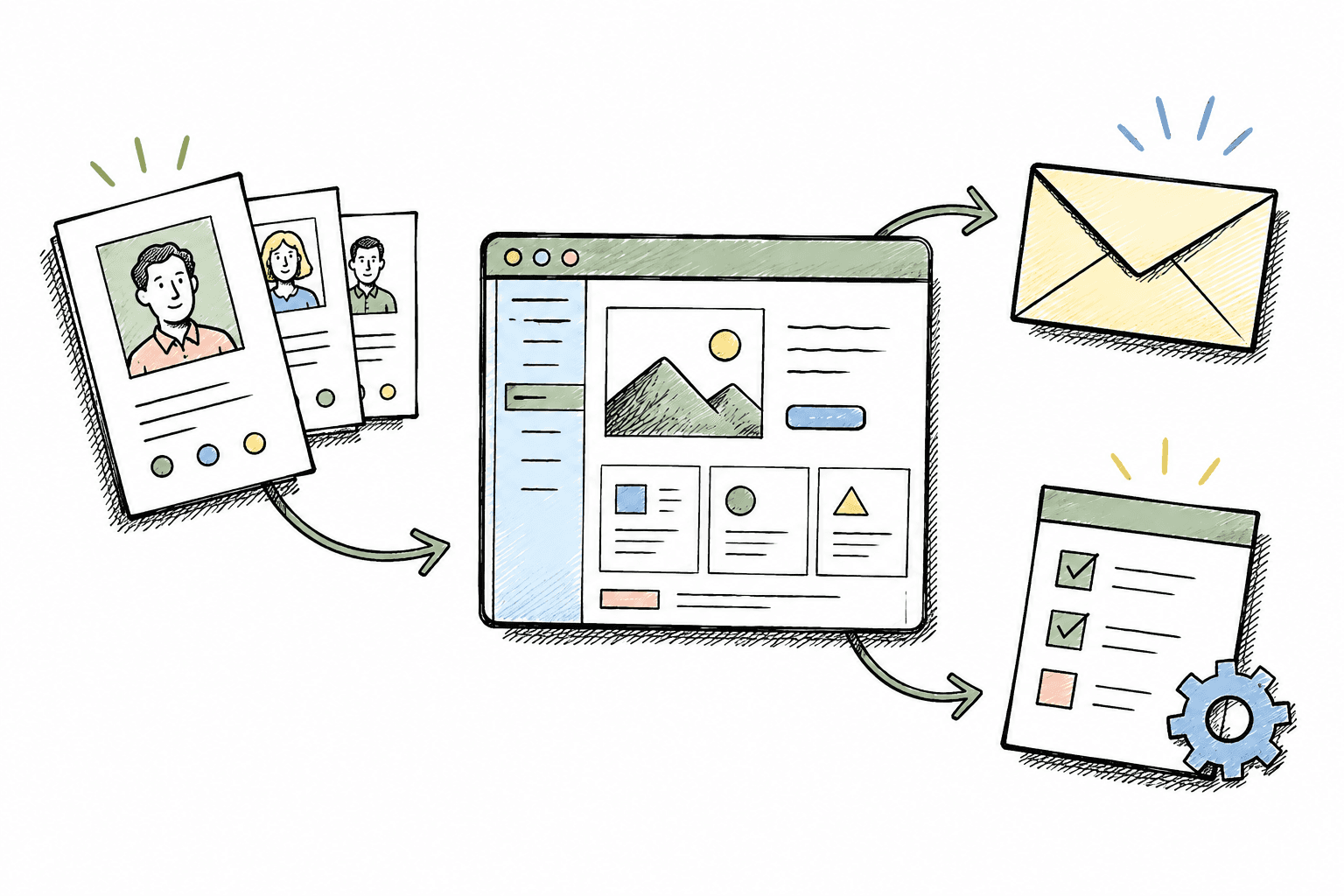
THE SMALL THINGS ADD UP
Are you asking again, searching again and re-entering information you already have?
Purchase history lives apart from contact details. Context disappears when responsibility changes.
Online and counter orders need reconciliation. The owner has to ask around to find unfinished work.
Stock and reports sit in separate sheets. Knowing what to do next takes another round of consolidation.

NOT JUST A STAFFING PROBLEM
When everyone records work differently, information travels through messages, spreadsheets and memory. Another tool alone will not fix a disconnected workflow.
Studio starts by identifying where information gets lost, who owns the next step and what should be recorded correctly once.
Agree on how information moves through your shop before deciding how many features to add.
Keep contact details and buying context together.
Know its status and who is responsible for the next step.
Use agreed reports to identify work that needs attention.
A PRACTICAL STARTING POINT
Contact profiles, customer lookup and quick creation during ordering.
Create orders, follow statuses and find processing details.
Catalogues, variants, inventory and store transfer workflows.
Explore overviews and filters for understanding sales activity.
These are demo capabilities. Sample data does not represent business results or a live deployment.
BUILT AROUND YOU, NOT JUST THE TEMPLATE
Studio can design and develop custom functionality after understanding your needs. More than a logo or colour change, it is about how the software supports your work.
Discuss your custom requirementsFields, customer groups and the information your team needs to see.
Order stages, handovers and approval rules.
Access by responsibility and agreed reporting definitions.
Existing data and external services, subject to technical assessment.
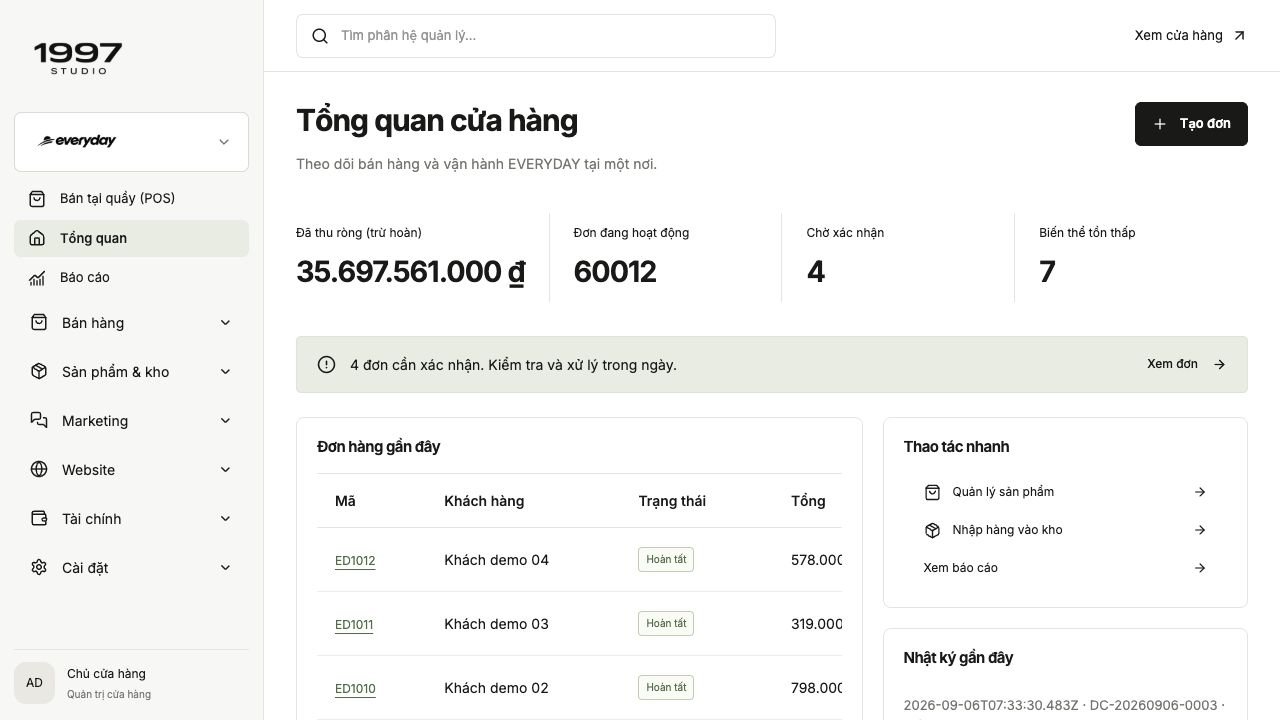
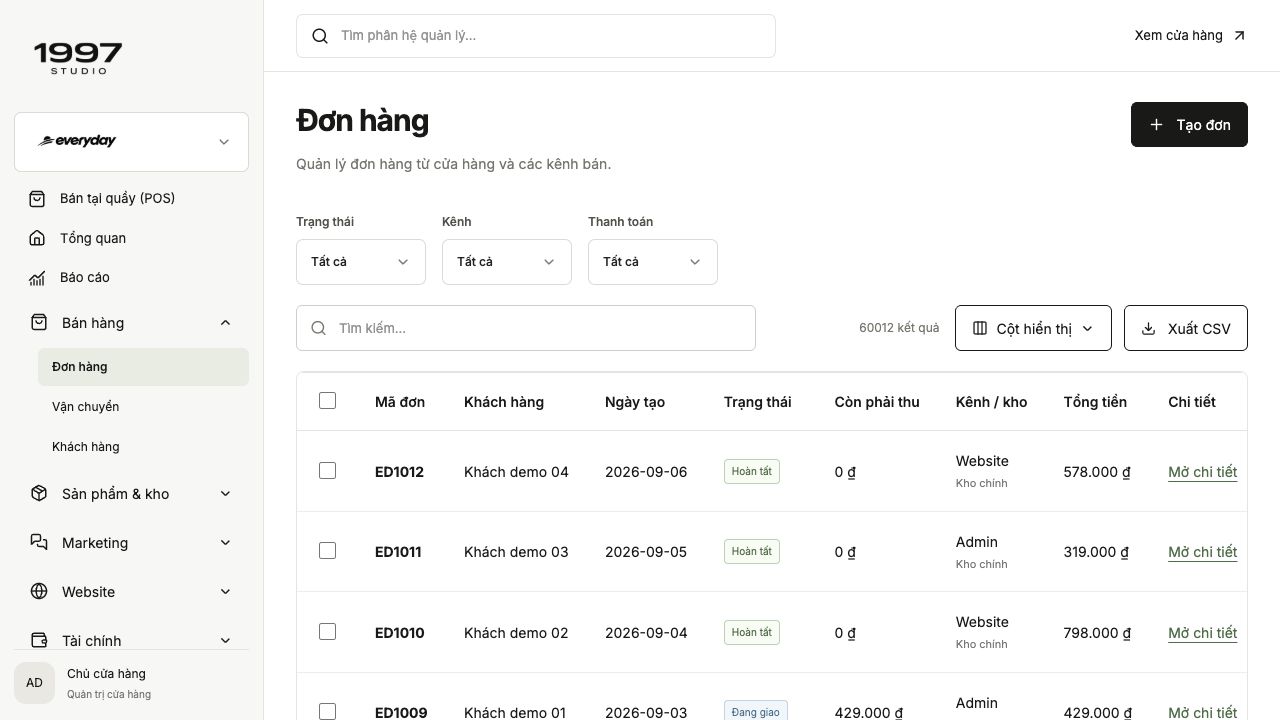
Explore four screens captured from the working demo. Figures are sample data, not customer results.
See pending work and recent orders.
DESIGNED AROUND YOUR DAILY WORK
See how a florist, adviser or shop assistant could use a CRM tailored to their work. Three moments, three screens, with the fields and rules your shop needs.
Orders arrive through messages and at the counter. Buyers and recipients differ; messages, approved designs and delivery times can get lost during handover.
A proposed working day, illustrated with fictional people and our real CRM demo. Custom field examples are interactive concepts, not screenshots of deployed customer systems. Final features and scope are agreed with your shop.
A birthday order arrives by phone. The florist uses a laptop to record the buyer and recipient separately, set a budget and save the gift message on the order, ready for the maker.
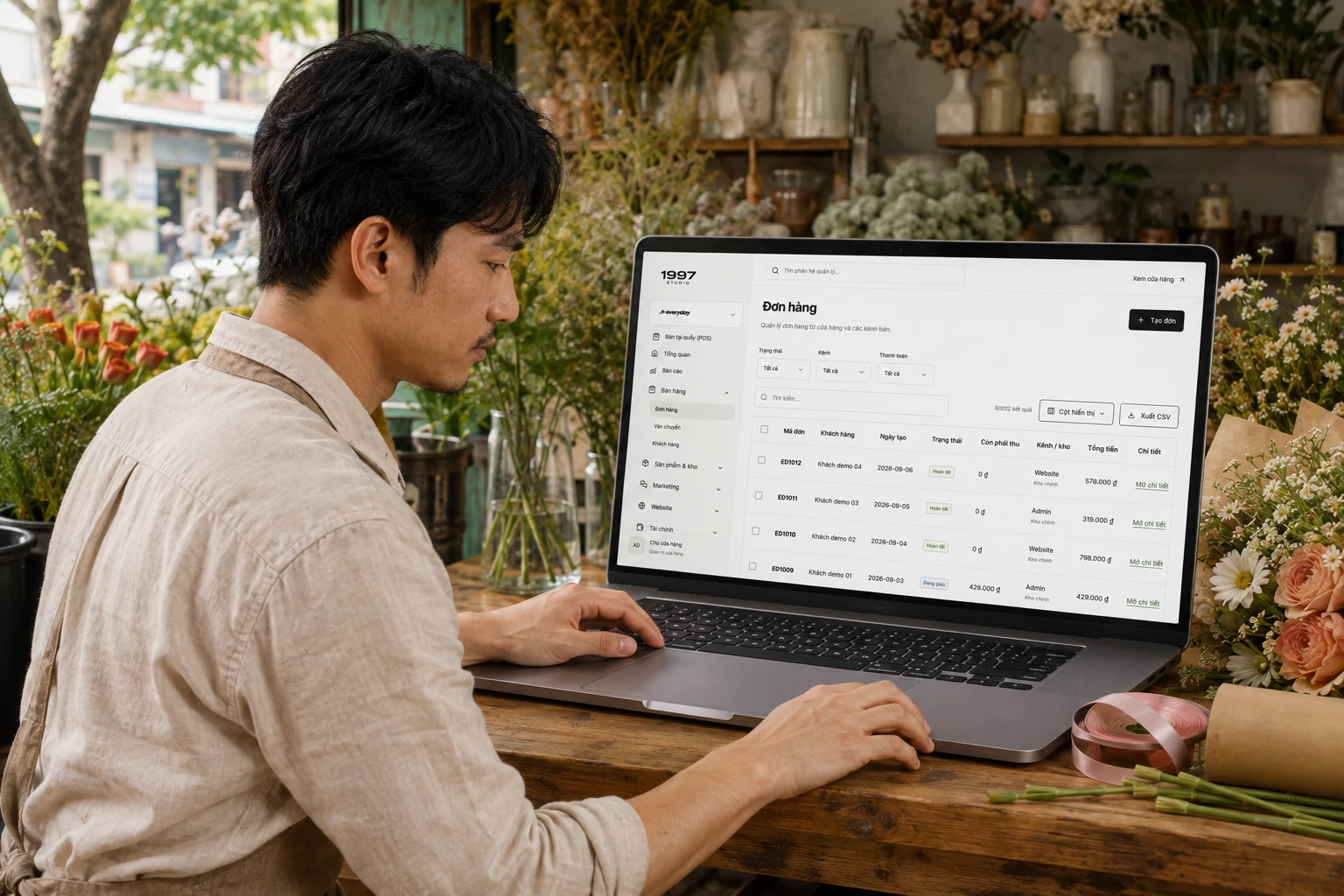
Studio designs recipient, occasion, message and delivery-slot fields around how your shop takes orders.
A proposed workspace for your shop
Try the button to see the proposed status change. Sample data only; nothing is saved or sent.
At the workbench, the florist opens the tablet to check the agreed design. The owner assigns the maker, sets a deadline and sees the preparation stage.
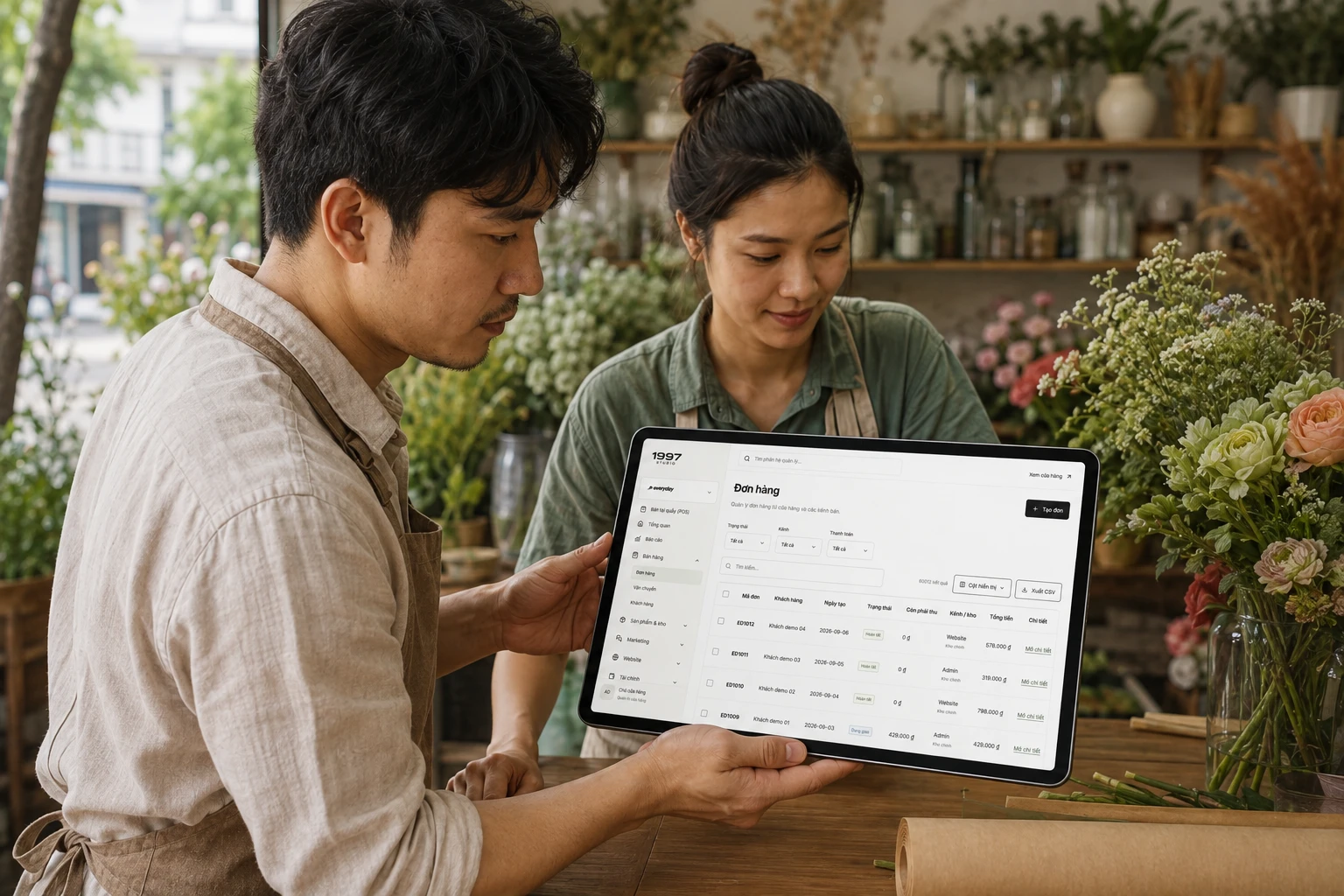
Custom stages, ownership and checklists match your workflow, with photo approval where needed.
A proposed workspace for your shop
Try the button to see the proposed status change. Sample data only; nothing is saved or sent.
The florist checks the finished bouquet and card against the tablet record. Marking it ready lets the sales team know it can be handed to delivery staff.

Design handover checks, approval rights and order history so the shop can retrieve the request next time.
A proposed workspace for your shop
Try the button to see the proposed status change. Sample data only; nothing is saved or sent.
Sales staff, florists and delivery staff can refer to one agreed request instead of piecing together chats.
Separate buyer/recipient, delivery slots, gift messages, design approval, assignments and reminders.
Compare on-time deliveries, clarification requests and message/address errors before and after implementation.
Your website supports discovery and shopping. POS serves counter sales. CRM helps the team manage the information and work behind them.
You can start with CRM. Shared data, synchronisation and existing-system connections are scoped separately; you do not need the entire suite for one requirement.
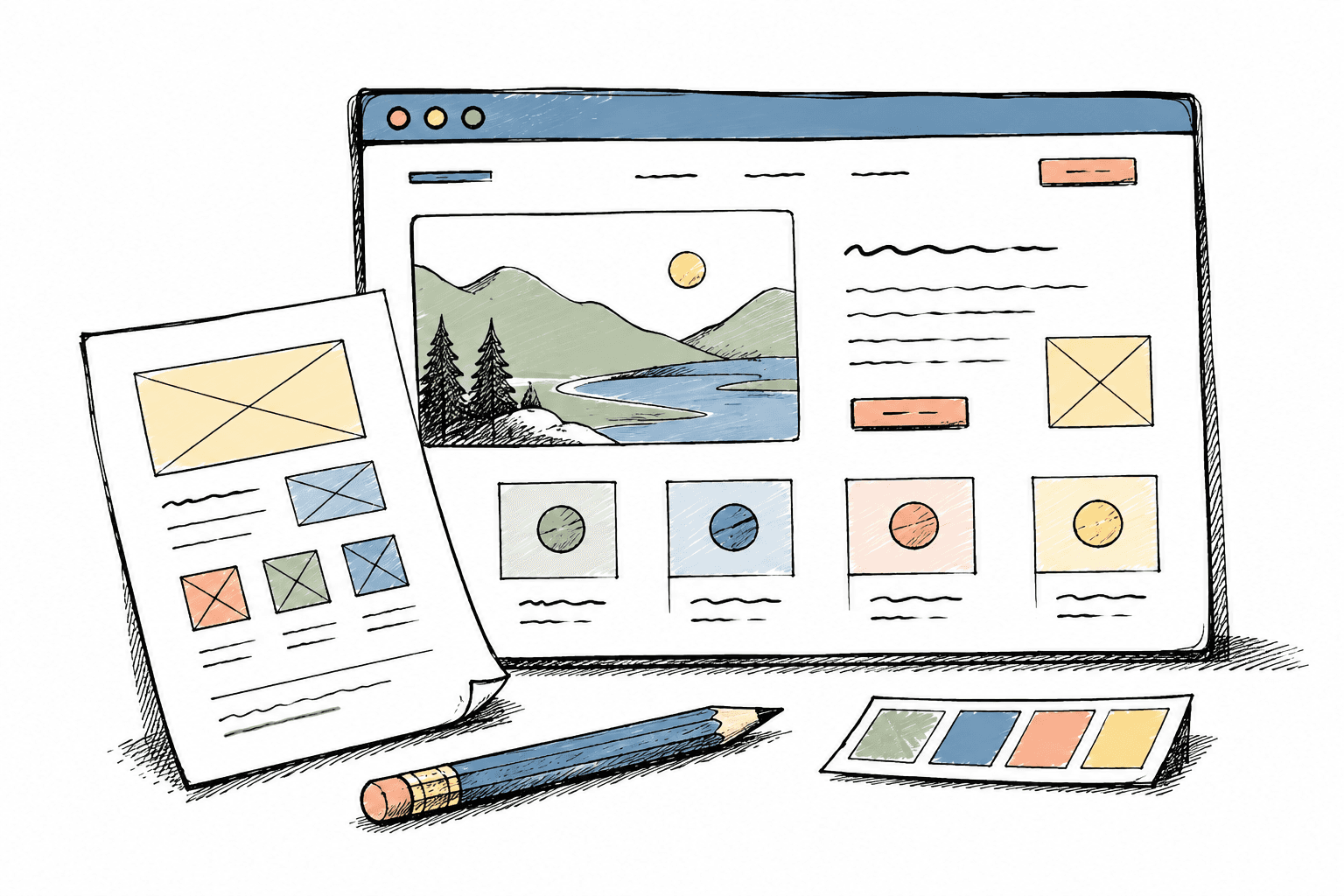
EXPLORE BEFORE DECIDING
Open the demo, try creating an order and explore customer lookup, products and statuses. Note what differs from your shop’s workflow to discuss with Studio.
Open the CRM demoUse sample data only. The demo is not your shop’s operational account.
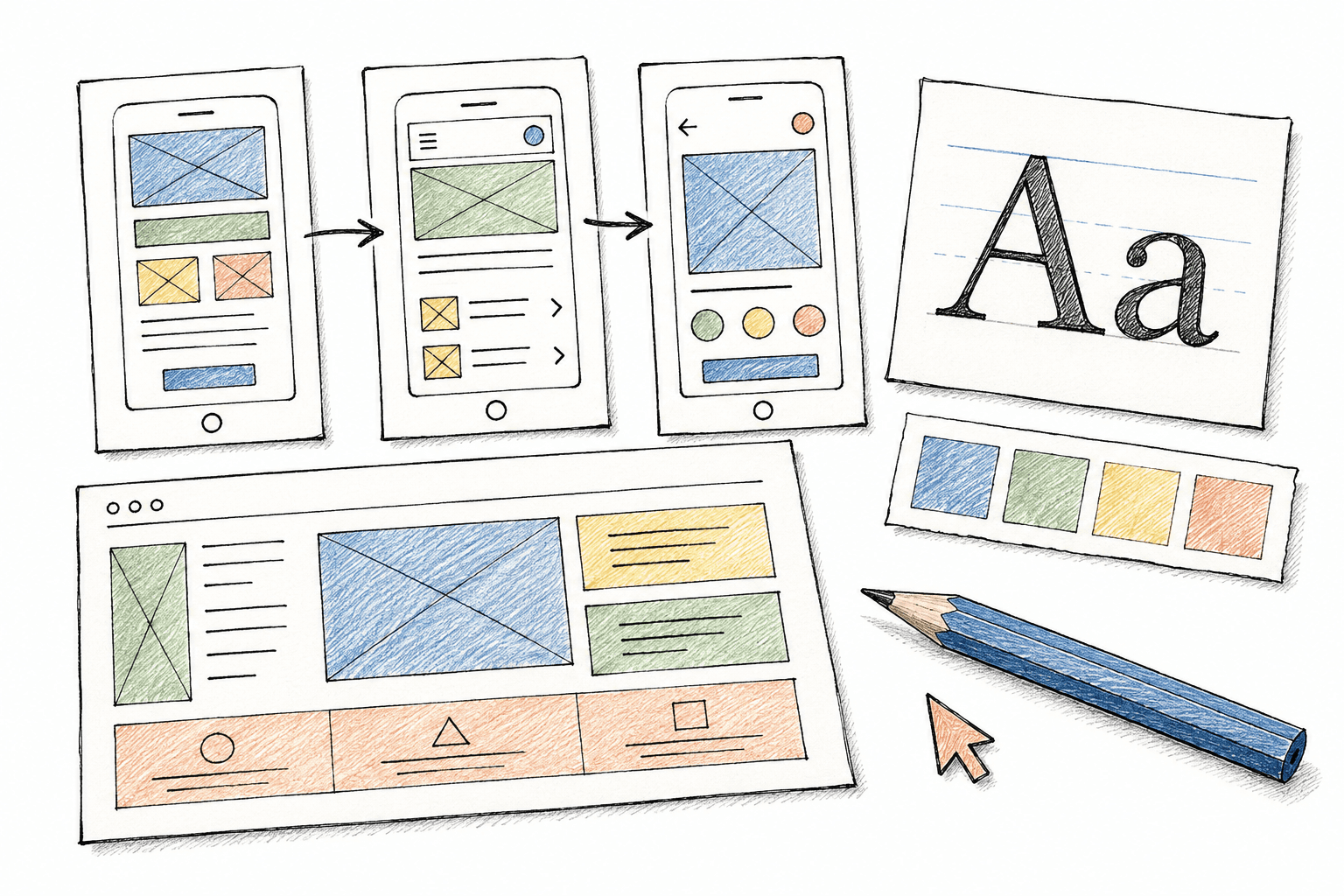
Review, give feedback and agree on the approach before bringing the software into daily work.
Review processes, data, users and priorities. Agree on deliverables, cost and milestones.
Define screens, interactions and custom work. Review the approach before development.
Implement agreed scope and test operational scenarios, access and sample data.
Agree on migration, guidance and acceptance criteria. Support scope is recorded in the agreement.
SCOPE-BASED PRICING
You don’t need a complete feature list. Start with the most time-consuming problem and work with Studio to separate immediate priorities from later phases.
Users, stores and required workflows.
Additional screens, rules and reports agreed for your business.
Data review and the systems that need connecting.
Hosting, maintenance, third-party fees and support, itemised in the proposal.
Clarity at the start makes collaboration easier.
No. It shows a starting point. Studio can scope and develop changes to screens, data and workflows for your needs.
No. The proposal separates core functionality, custom development, integrations and ongoing costs. Changes outside the agreed scope are assessed before work proceeds.
Yes, we can discuss CRM on its own. Connections to existing tools depend on their data and integration capabilities.
We need to check the source format, quality and permissions first. Migration method, validation and cost are agreed before moving data.
Discuss who needs access to which data, exports and reports. Access controls, backups and data handling requirements must be defined and tested in scope.
Timing depends on workflows, custom development, integrations and feedback. Milestones are agreed after discovery; there is no single timeline for every shop.
Studio reviews your needs and contacts you to clarify next steps. Sending an enquiry does not purchase software or commit you to an implementation contract.
START WITH A REAL PROBLEM
What do you sell, how many locations do you have, and what takes the most effort? Describe it as you would to your team. No technical specification needed.

An enquiry, not a purchase. You review your information before sending.