Too many things to remember
Size, quantity, a promised discount: small details are easy to lose in a busy shop.
1997 STUDIO / POS
A focused counter experience, tailored to how your shop works. From choosing an item to printing a receipt, your solution can go beyond the demo.
SOUND FAMILIAR?
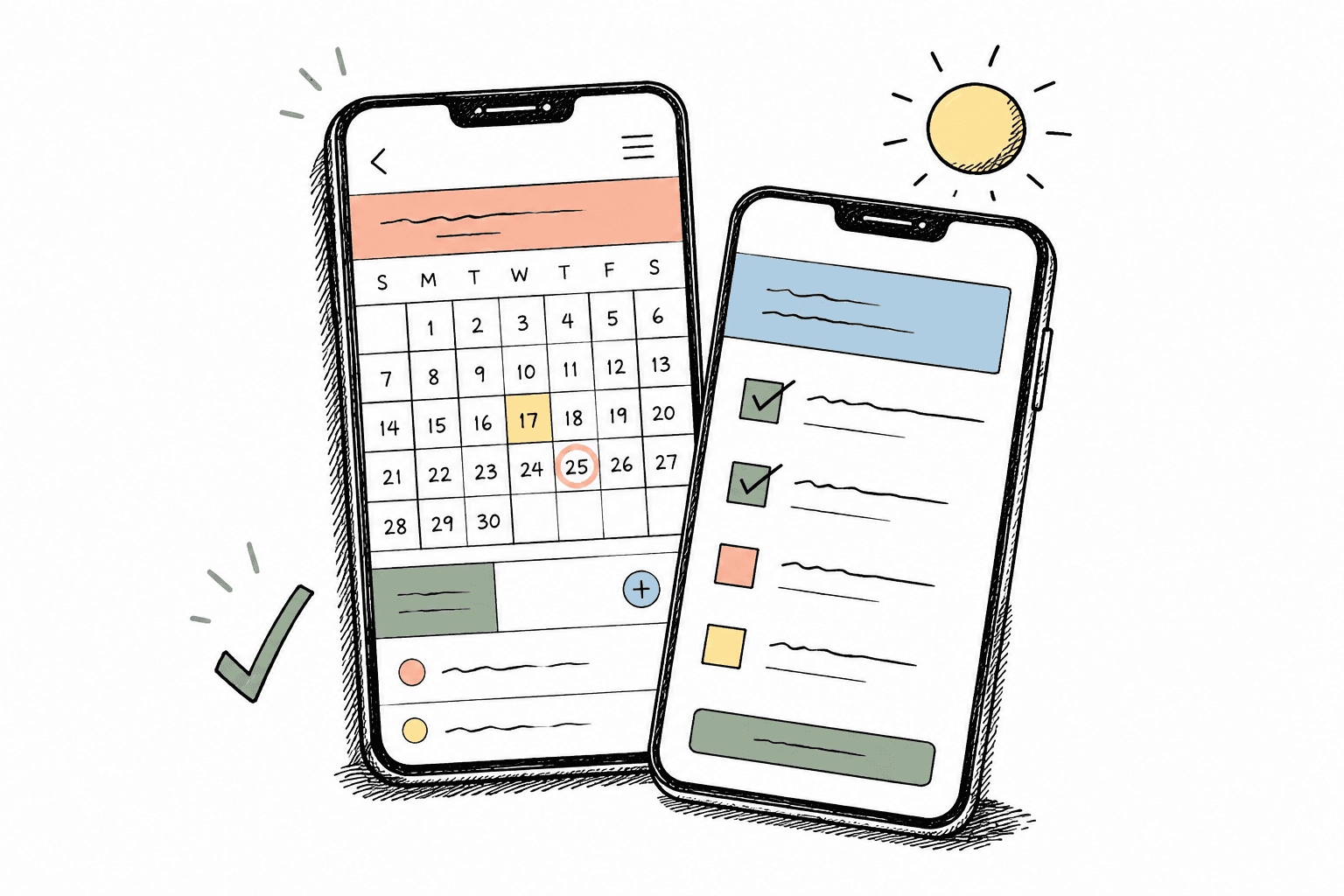
Size, quantity, a promised discount: small details are easy to lose in a busy shop.
Starting over interrupts the next sale and makes it harder to return to the first customer.
Who sold the item? Which bill was held? How much cash should be in the till?
MORE THAN A TOTAL
Putting products, staff, discounts and payment in context gives the team a clear sequence to check. That is where a shop-specific POS starts.
A SHIFT, END TO END
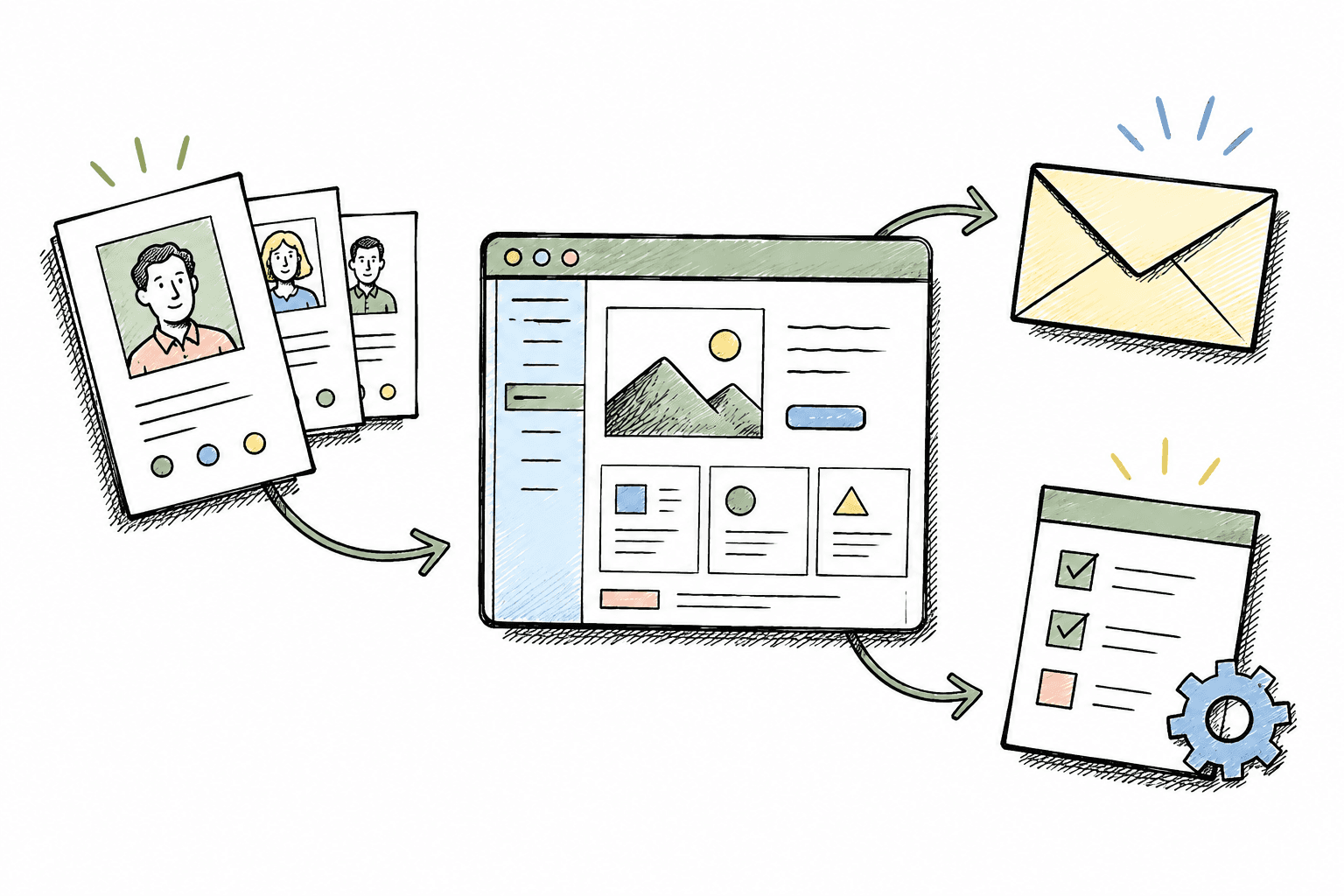
Identify the employee and store; review the opening cash workflow.
Build the bill, hold it when needed, check discounts and payment.
Count cash and compare the shift record before handover.
THE ACTUAL INTERFACE
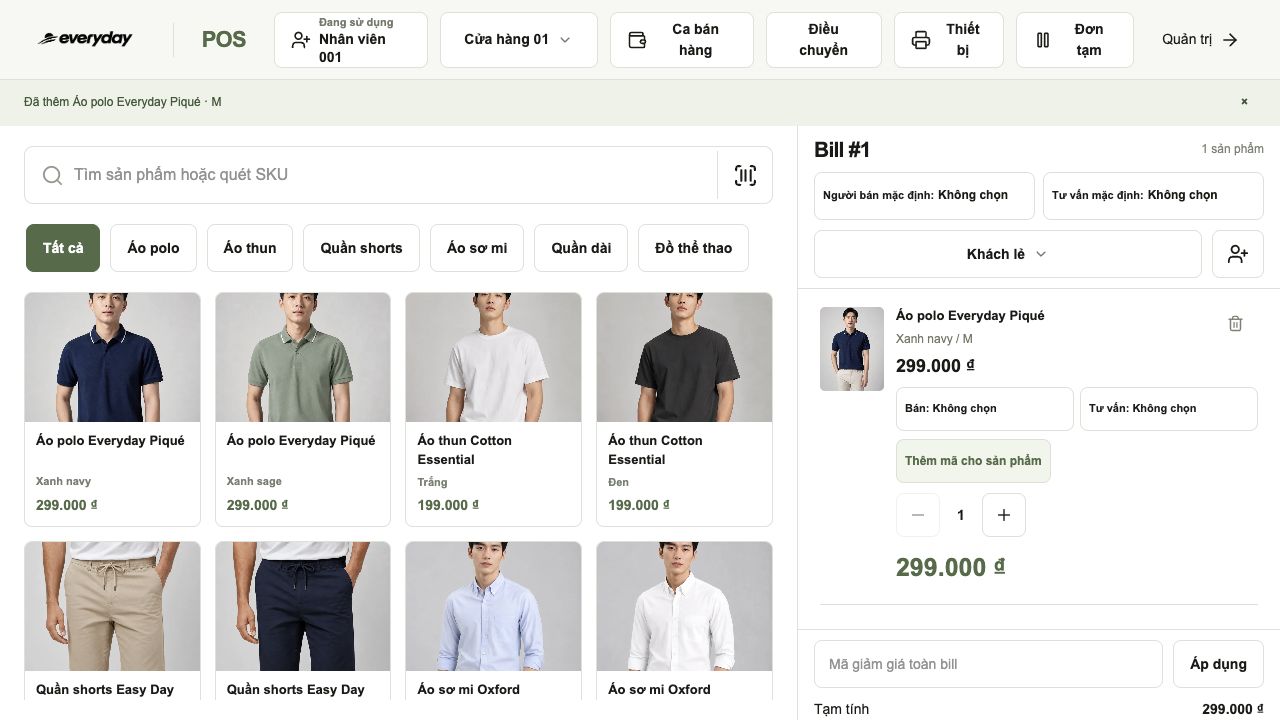
Captured from the 1997 Studio demo with sample EVERYDAY data, not customer business results.
Choose the product, colour and size; assign the salesperson and adviser to each item.
SMALL TASKS, EVERY DAY
Pick the right size and colour instead of remembering a product name alone.
Return to a sale without rebuilding the customer’s selection.
Distinguish the adviser and salesperson from the cashier.
Review product discounts and whole-bill discounts before payment.
NOT LIMITED TO THE TEMPLATE
Decide who can edit prices, approve exchanges and complete handovers.
Add the fields your team actually needs: delivery time, gift messages or service notes.
We confirm design, development, integrations and acceptance criteria before building.
PUT POS INTO CONTEXT
Four illustrative workflows, not deployed customer case studies. Custom additions require discovery and a separate scope.
Select the colour and size the customer tried, then check the quantity on the bill.
Hold the bill, serve the next customer and return when the first customer is ready.
Assign the adviser, review discounts and proceed to payment.
Tailor size exchanges, return eligibility and net sales attribution to the shop’s policy.
Discuss this workflow for my shop →STOCK IN MOTION
From store 01 to store 05: follow one transfer, check preparation at the origin and receipt at the destination.
Compare the expected quantities with the items being packed.
Record the handover so the receiving team knows what to expect.
Check each code and record differences before confirming receipt.
START WITH WHAT YOU HAVE
Windows and Mac first, with a browser-based workflow. We review the computer, scanner and receipt printer before proposing new hardware.
Check the screen and staff workflow on the intended device.
The demo has a test field for keyboard-mode HID + Enter scanners; it does not identify the device name.
Choose 58/80 mm in POS and the printer in the print dialog. Drivers and output need testing on the actual device.
WHEN HARDWARE NEEDS REPLACING
Install the appropriate driver if required; check power, paper and connection.
For a scanner, focus the test field and scan. For a printer, select it and print a test receipt.
Review codes, Vietnamese text, totals and paper width. Compatibility is checked per model, not promised for every USB device.
COUNTER AND MANAGEMENT
You can start with POS. If you need a website and CRM, we scope shared data, stock and customer management before agreeing on the integration.
BUILD AND CHECK TOGETHER
Review a typical sale, a busy period, returns, staff roles and current hardware.
Walk through the proposed screens with the team and approve the scope.
Test typical and exceptional orders with sample data before going live.
Agree on training, support coverage and acceptance criteria in the proposal.
A CLEAR COST SCOPE
Stores, users and the workflows you need at launch.
Additional screens, rules and integrations agreed in advance.
A separate list for equipment you already have and equipment you need.
Hosting, maintenance and support terms stated in the proposal.
No. The demo is a starting point. We scope custom fields, workflow and integrations for your shop.
No. Start with your POS needs; agree on shared data and integrations only when needed.
We do not promise universal compatibility. Check the model, operating system, driver and sample receipt first.
No. Payment screens are demonstrations. Bank and terminal integrations require a separate implementation and verification.
Offline operation is not promised by this demo. If essential, discuss it before agreeing on the implementation.
The demo shows a sales receipt. Electronic invoicing is a separate integration to scope and verify.
START WITH YOUR NEXT SHIFT
Tell us your industry, counters, current equipment and the step that slows the team down. We will clarify the solution, custom work and costs together.
Want to explore first? Open POS ↗